Close
Your shopping cart is empty


Wi-Fi 6E gives compatible products access to the 6 GHz spectrum in addition to the familiar 2.4 GHz and 5 GHz bands. For routers, access points, gateways, industrial terminals, smart-home equipment, and IoT devices, this creates new antenna-selection questions. A product may need one tri-band antenna, several antennas for MIMO, or a custom internal arrangement. The correct solution begins with the radio architecture and target markets—not with antenna shape alone.
Wi-Fi 6 refers to the IEEE 802.11ax generation and can operate in the established 2.4 GHz and 5 GHz bands. Wi-Fi 6E extends compatible 802.11ax products into the 6 GHz band where permitted. From an antenna perspective, the main change is the need to cover the additional 6 GHz operating range with acceptable performance in the final product.
Antenna compatibility is only one part of the system. The radio chipset, filters, power amplifiers, low-noise amplifiers, PCB layout, firmware, regulatory domain, and connected client must also support the intended 6 GHz operation. Replacing a dual-band antenna with a tri-band antenna does not convert a Wi-Fi 6 device into Wi-Fi 6E.

The three bands provide different system options. Actual coverage and throughput depend on channel plan, transmit power, receiver, antenna, environment, interference, obstacles, and local rules. The comparison below is a design overview rather than a performance guarantee.
| Band | Common system role | Potential design advantage | Antenna and deployment checks |
|---|---|---|---|
| 2.4 GHz | Legacy compatibility, IoT, and broader device support | Often useful where range and compatibility are priorities | Crowded spectrum, enclosure detuning, coexistence with Bluetooth, and antenna space |
| 5 GHz | Higher-capacity Wi-Fi operation with widely deployed devices | More channel options than 2.4 GHz in many deployments | Regional channel availability, obstacles, cable loss, and radio configuration |
| 6 GHz | Wi-Fi 6E operation for compatible devices | Additional spectrum and channels where permitted | Client support, regulatory domain, complete 6 GHz RF path, and higher-frequency integration sensitivity |
The antenna should cover the exact ranges supported by the product and intended countries. Do not assume that every product labeled “tri-band” supports identical channels or regional settings. Confirm the radio module data, certification plan, and target-market requirements.
Start with the radio or module specification and create a band matrix. Identify the required frequency range for each antenna port, which ports support 2.4/5/6 GHz, and whether every MIMO path must cover all three bands. Include regional variants if the same product will be sold in multiple countries.
A wide frequency label is not sufficient to approve an antenna. Review matching, efficiency, gain, radiation patterns, cable loss, connector, and results inside the final enclosure across the required bands. The acceptance criteria should reflect the complete device and application.
Internal antennas can support compact industrial design and eliminate external user-adjustable parts. Their performance, however, depends strongly on the PCB ground, plastic thickness, coatings, battery, display, metal frame, heat sink, cable routing, and assembly position. They should be tuned and tested in a representative device.
External antennas allow orientation or replacement and can move the radiator away from shielding parts. The project must still manage connector type, hinge or swivel clearance, cable loss, mounting strength, user position, and environmental exposure.
Remote antennas connected by cable may be useful when the access point or gateway sits inside a metal cabinet. The cable path and loss become part of the RF budget, especially at 5 and 6 GHz. Avoid unnecessary adapters and confirm the complete assembly rather than evaluating the antenna element alone.
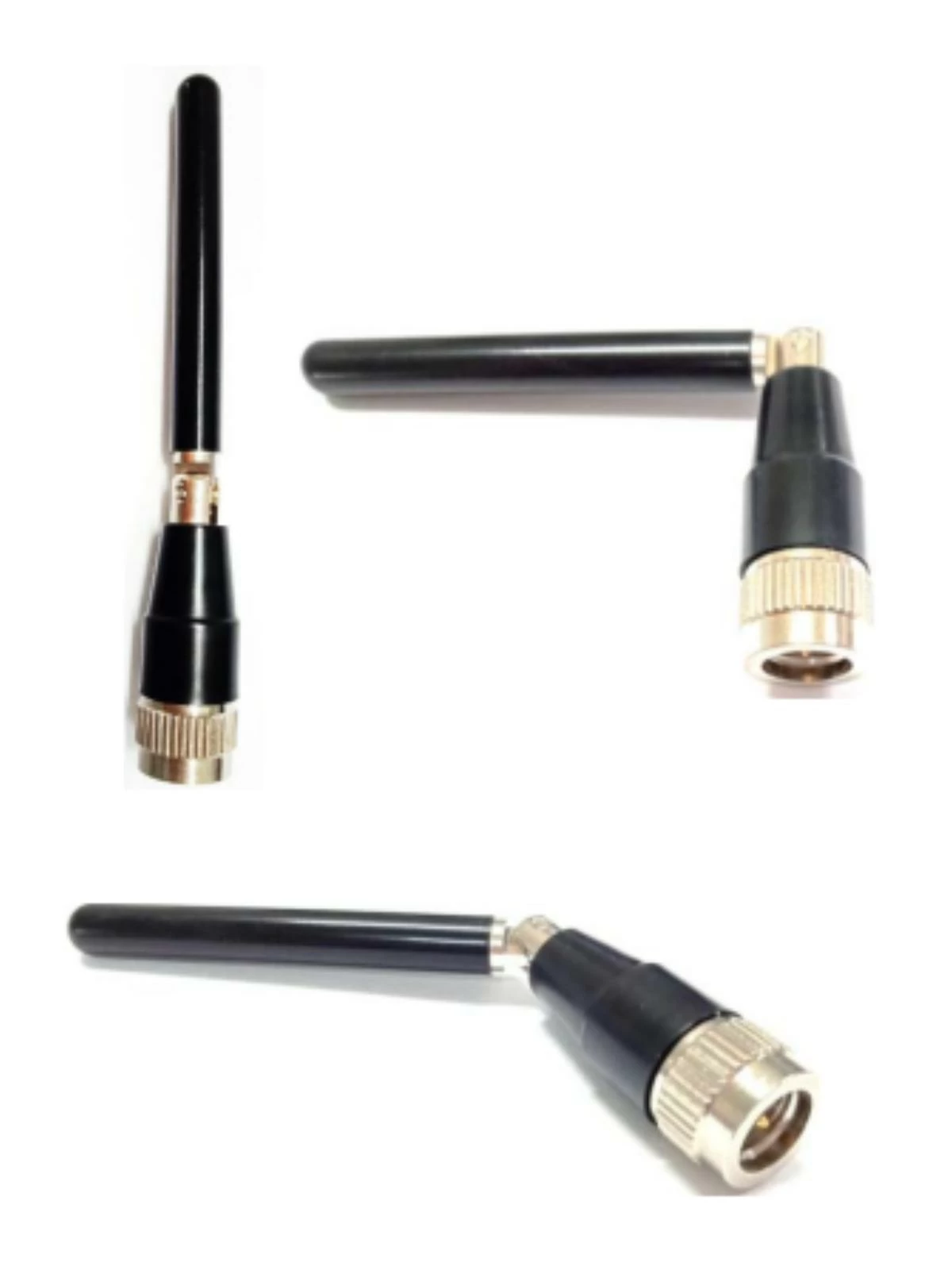
Wi-Fi access points and clients may use multiple antenna ports. The number of antennas should follow the radio design and supported spatial streams. Adding unconnected or unsupported antenna elements does not increase MIMO order.
Multiple tri-band elements need suitable placement and orientation. In a compact device, the design team may use separation, polarization, ground structure, and element diversity to reduce unwanted interaction. The solution should be measured across all required bands because a layout that works at one frequency may behave differently at another.
Isolation alone does not describe the whole MIMO system. Matching, efficiency, radiation, correlation-related behavior, throughput, stability, and the radio's algorithms may also need review.
Higher-frequency antenna behavior can be sensitive to nearby geometry and materials. Metal, conductive paint, displays, batteries, heat spreaders, brackets, ports, and even cable placement can change tuning and patterns. Keep antenna areas clear according to the approved design and control mechanical revisions.
For routers and access points, consider wall, ceiling, desktop, cabinet, and pole orientations. A device evaluated flat on a laboratory bench may operate differently when mounted vertically near a wall or inside a populated equipment rack. For IoT products, evaluate the orientation that customers will actually use.
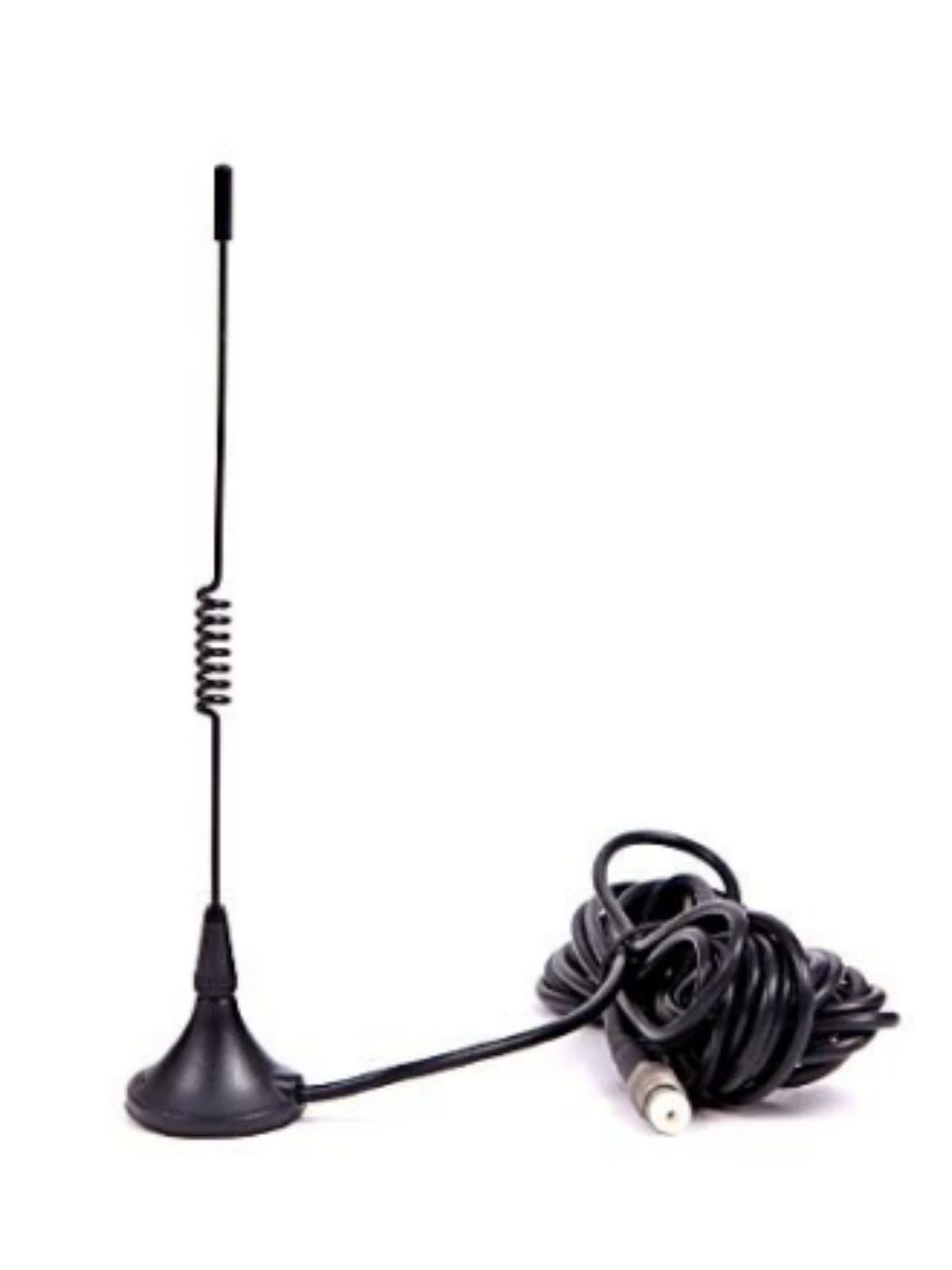
Prototype testing should use representative plastics, coatings, fasteners, PCB, cable paths, and installed accessories. If the enclosure or mounting changes after antenna tuning, confirm whether re-evaluation is necessary.
Connector and cable choices affect electrical loss, mechanical assembly, and service. Confirm connector family, gender, polarity, mating part, cable type, finished length, exit direction, and strain relief. Visually similar RF connectors may not mate correctly or may use different polarity.
At higher frequencies, long cables and multiple adapters can have a meaningful effect on the delivered signal. Use the shortest practical route that still supports assembly and service. Define bend radius, fastening, and inspection points, and keep cables away from noisy circuits or moving parts.
For multi-port products, label every cable and modem or radio port. Color coding, keyed connectors, and clear work instructions can reduce swapped paths during manufacturing.
| Application | Typical design priorities | Information to provide in the RFQ |
|---|---|---|
| Router or gateway | Tri-band coverage, MIMO ports, user orientation, cable and connector layout | Radio model, port map, enclosure drawing, target markets, mounting, and throughput test plan |
| Enterprise access point | Ceiling or wall pattern, multiple streams, coexistence, and controlled installation | Mounting orientation, radio chains, antenna zones, enclosure materials, and validation method |
| Industrial terminal | Metal cabinet effects, remote antenna position, cable loss, and environmental needs | Cabinet drawings, cable route, connectors, exposure, installation photos, and service requirements |
| IoT or smart-home device | Compact space, internal antenna tuning, Bluetooth coexistence, and varied user placement | PCB, battery, plastic, radio sharing, device orientations, regional bands, and forecast |
Also include sample quantity, schedule, expected production volume, packaging, labeling, and required documentation. Separate mandatory requirements from items where the supplier may recommend an alternative.
Only if its verified frequency coverage and performance include the required 6 GHz range. Many antennas designed only for 2.4 and 5 GHz should not be assumed to support Wi-Fi 6E.
No. The radio chipset, filters, PCB, firmware, certification, regulatory settings, client, and antenna must all support the intended 6 GHz operation.
The radio architecture and supported MIMO streams determine the required ports. Review the module or chipset design and map each port before selecting antennas.
No. External antennas offer placement and orientation flexibility, while internal antennas can fit integrated products. The final choice depends on enclosure, mounting, cables, environment, appearance, and measured performance.
Provide the radio model, required 2.4/5/6 GHz ranges, target markets, port map, MIMO order, enclosure and PCB drawings, antenna space, mounting, connector, cable, coexistence requirements, validation plan, samples, forecast, and schedule.
A successful tri-band design aligns the radio, regional spectrum, antenna coverage, MIMO ports, placement, enclosure, cables, connectors, assembly, and final-device testing. Confirming these items early reduces unsuitable samples and late mechanical changes.
Explore Evercom's Wi-Fi 6E antenna range, browse the complete product portfolio and new antenna products, revisit the antenna selection guide, or contact Evercom with your radio and enclosure requirements.